Swift · macOS screensaver

Neo Matrix Rain

Not a utility. Not a tool. Just something beautiful to look at. Falling katakana, Cyrillic, Chinese and digits cascading on black with a glowing green trail, the kind of thing you glance at from across the room.

v1.2.0 releasedmacOS 12+Apple Silicon & IntelMIT licence
live preview, running in your browser

A browser re-creation of the effect. The real screensaver is native Swift and runs full screen.

Why

Like leaving a window open, or hanging art on a wall.

It isn't meant to do anything. It's meant to sit on a screen across the room and be nice to look at.

So it's built with Swift and CoreGraphics only. No dependencies, no web views, no Electron. It runs natively on both Apple Silicon and Intel.
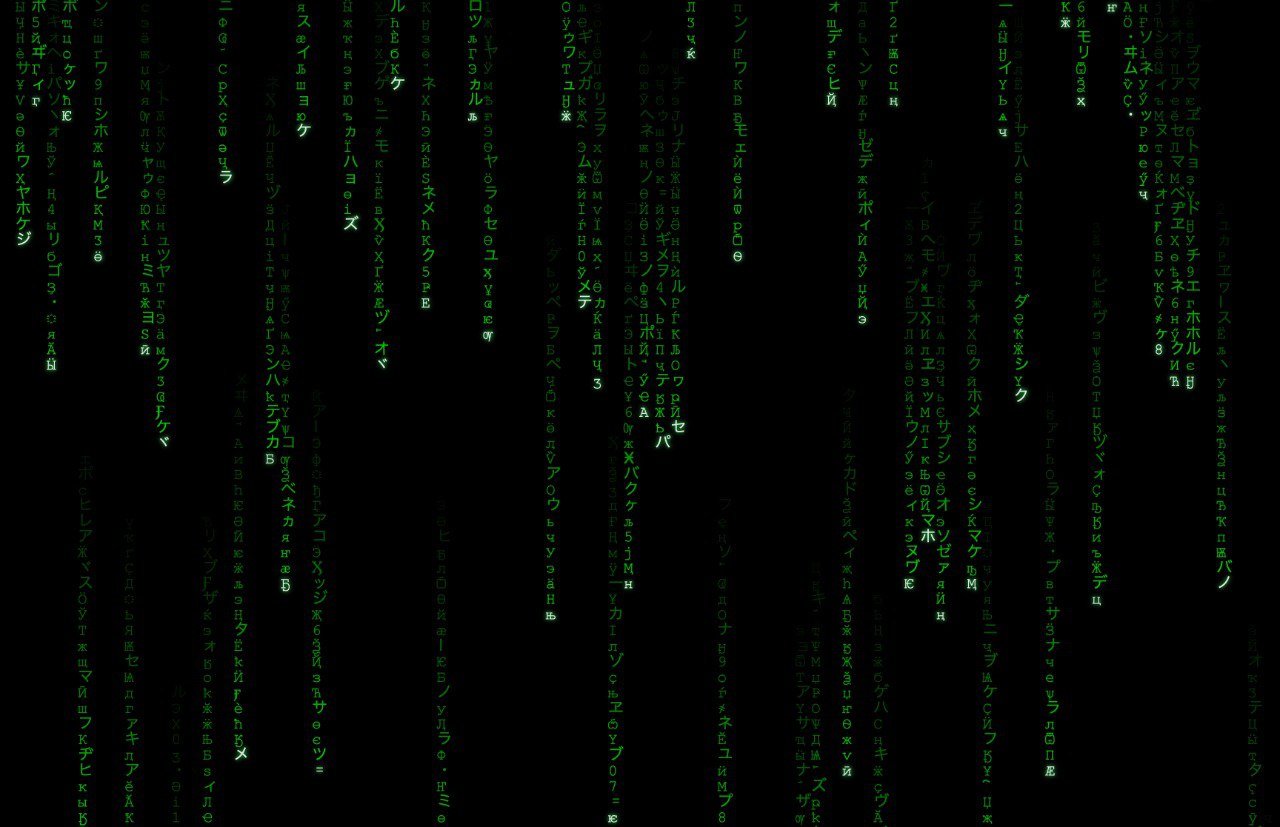
Neo Matrix Rain running as a macOS screensaver
The real thing, captured on macOS.

What's in the rain

Four alphabets, one glow.

ア イ ウ

Katakana

U+30A0–U+30FF. The original look.

Ж Щ Я

Cyrillic

U+0400–U+04FF, mixed into the stream.

雨 字 光

Chinese and digits

CJK ideographs plus 0–9, mixed in at random.

Install

Two minutes, no Xcode.

  1. DownloadGrab NeoMatrixRain.zip from the latest release and unzip it.
  2. Double-click the .savermacOS warns because it isn't notarized (that needs Apple's paid programme). Click Done.
  3. Allow itSystem Settings → Privacy & Security → Open Anyway, then double-click again and Install.
  4. Pick itSystem Settings → Screen Saver → Neo Matrix Rain.

Tune it

Five knobs.

Every visual parameter is a constant at the top of NeoMatrixView.swift. Change one and run build.sh.

ConstantDefaultWhat it does
fontSize22Character size in points
trailLen24Characters in the fading trail
minSpeed0.10Slowest column, rows per frame
maxSpeed0.35Fastest column, rows per frame
flickerChance0.01Chance a trail character changes

Next up: a settings panel, colour themes, custom character sets and multi-monitor support.

More projects